0 from 0 votes
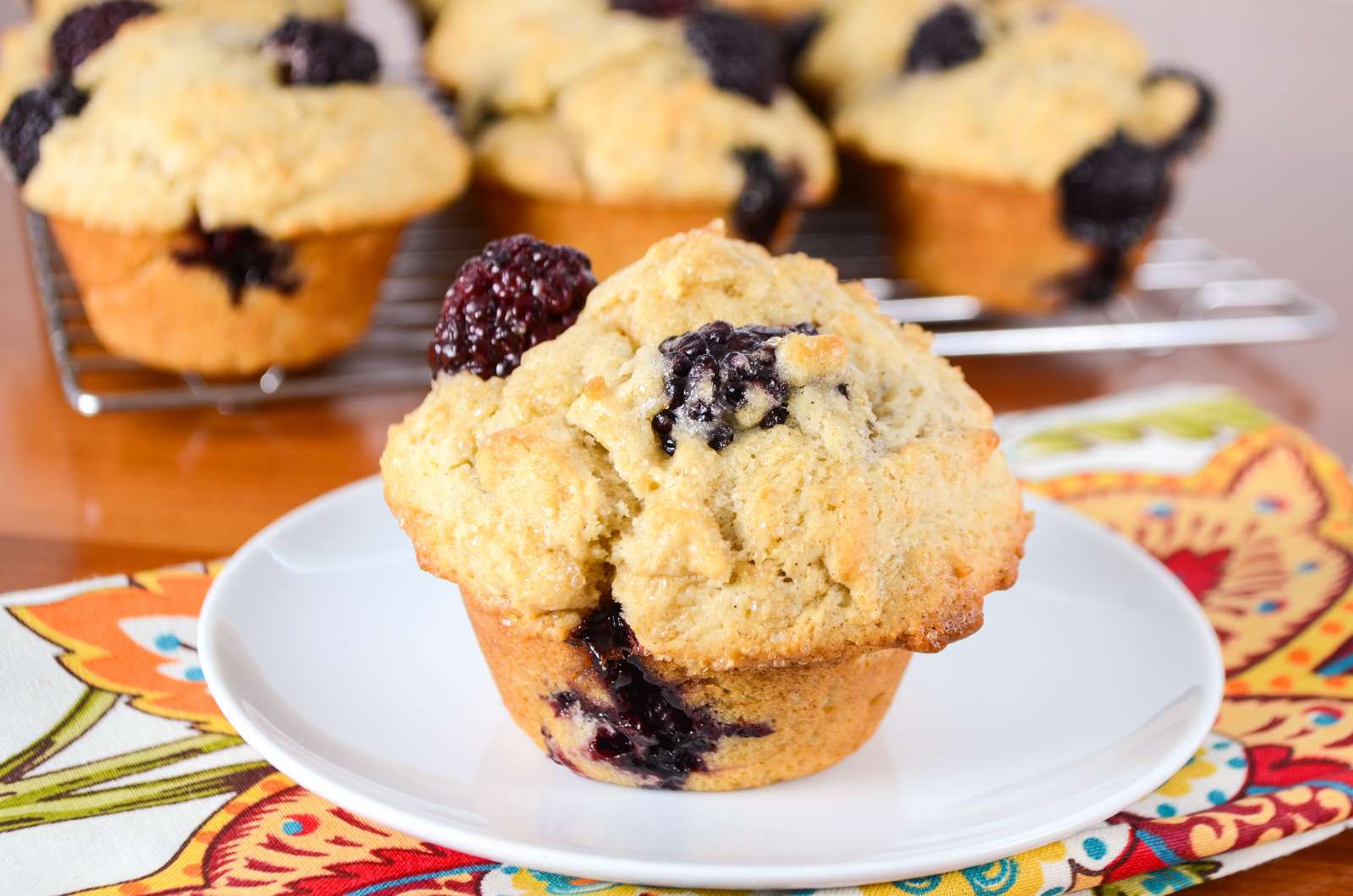
Blackberry Muffins
Crafted with ease and taste in mind, this recipe is a great choice.
Prep Time
10 mins
Cook Time
20 mins
Total Time
30 mins
Servings:
12
Muffins
Course:
Bread
Cuisine:
American
Ingredients
- 3 cups flour
- 4 tsp baking powder
- ½ tsp salt
- 1 tsp ground cinnamon
- 2 egg at room temperature, large
- ½ cup white sugar
- ½ cup brown sugar packed
- 1¼ cup buttermilk
- ½ cup coconut oil melted
- 1 tsp vanilla extract
- 2 cups blackberry
- sugar coarse, for sprinkling on top
Instructions
- Preheat the oven to 425 degrees. Coat a muffin tin with coconut oil cooking spray.
- Combine flour, baking powder, salt, and cinnamon in a bowl.
- Whisk the eggs, white sugar, and brown sugar in a large bowl until combined. Add milk, oil, and vanilla extract and whisk until well combined.
- Gradually add the flour mixture to the wet ingredients and mix everything until just combined. Don't overmix. The batter will be extremely thick.
- Very gently fold in most of the blackberries into the batter.
- Spoon batter into prepared muffin tins.
- Add the remaining blackberries evenly to the tops of each muffin, making sure to push them down gently. Sprinkle the tops with coarse sugar.
- Bake at 425 degrees for 5 minutes. Keeping the muffins in the oven and the door closed, reduce oven temperature to 375 degrees and continue to bake for 13-15 minutes, or until a tester inserted into the center of the muffins comes out clean.
- Remove from the oven and allow to cool for 10 minutes. Serve and enjoy.
Cup of Yum