5 from 12 votes
Chia Egg Substitute
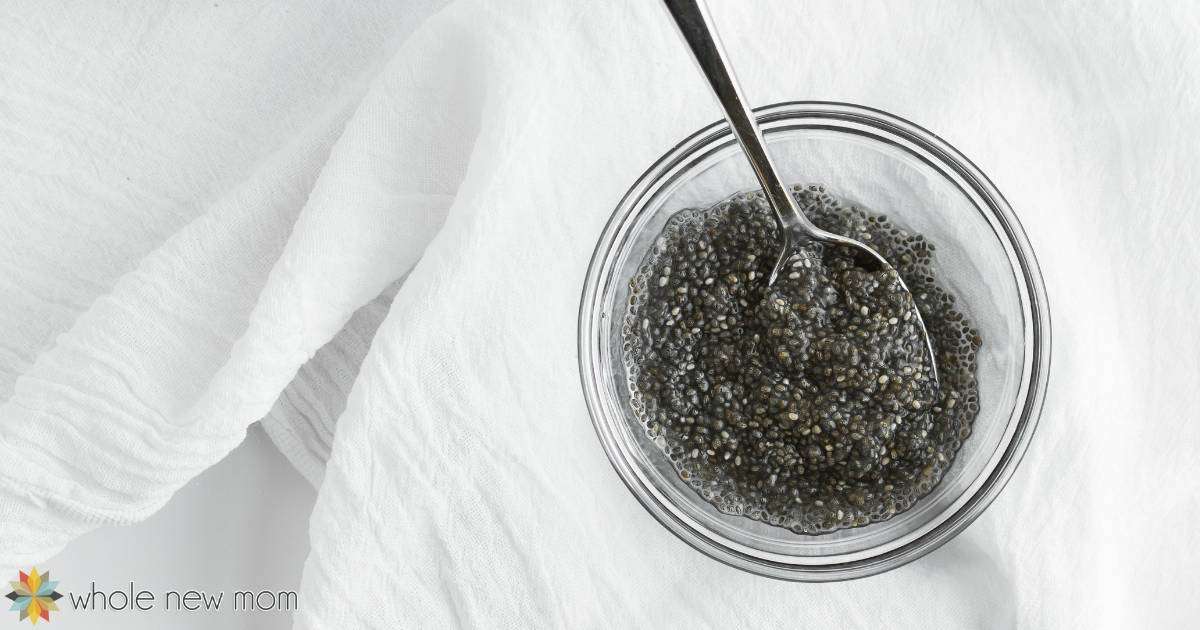
The Chia Egg Substitute uses chia seeds soaked in water to create a gel-like mixture that mimics the binding properties of eggs in recipes. After resting 5 to 15 minutes, it works well as a 1:1 egg replacement in baking and cooking.
Prep Time
2 mins
Additional Time
10 mins
Total Time
2 mins
Servings:
1
Chia Egg Substitute
Calories:
4893 kcal
Course:
Condiments, Others
Cuisine:
Vegan, Keto
Ingredients
- 1 tablespoon chia seeds
- 3 tablespoons water
Instructions
- Place chia seeds in a small bowl.
- Add water to seeds.
- Stir to combine.
- Let chia and water mixture sit for 5-15 minutes to thicken.
- Use in recipes as a 1:1 substitute for eggs.
Cup of Yum
Notes
- Allow the mixture to sit for at least 5 minutes, up to 15 minutes, or overnight to achieve proper gel consistency.
- Prepare the chia egg ahead of time to have it ready when adding to recipes.
Nutrition Information
Calories
48.93kcal
(2%)
Carbohydrates
4.39g
(1%)
Protein
1.57g
(3%)
Fat
3.07g
(5%)
Saturated Fat
0.32g
(2%)
Polyunsaturated Fat
2.32g
(14%)
Monounsaturated Fat
0.21g
(1%)
Sodium
1.89mg
(0%)
Potassium
16mg
(0%)
Fiber
3.79g
(15%)
Net Carbohydrates
1g
Nutrition Facts
Serving: 1 Chia Egg Substitute
Amount Per Serving
Calories 4893
% Daily Value*
| Calories | 48.93kcal | 2% |
| Carbohydrates | 4.39g | 1% |
| Protein | 1.57g | 3% |
| Fat | 3.07g | 5% |
| Saturated Fat | 0.32g | 2% |
| Polyunsaturated Fat | 2.32g | 14% |
| Monounsaturated Fat | 0.21g | 1% |
| Sodium | 1.89mg | 0% |
| Potassium | 16mg | 0% |
| Fiber | 3.79g | 15% |
| Net Carbohydrates | 1g |
* Percent Daily Values are based on a 2,000 calorie diet.