5 from 12 votes
Crock Pot Taco Soup
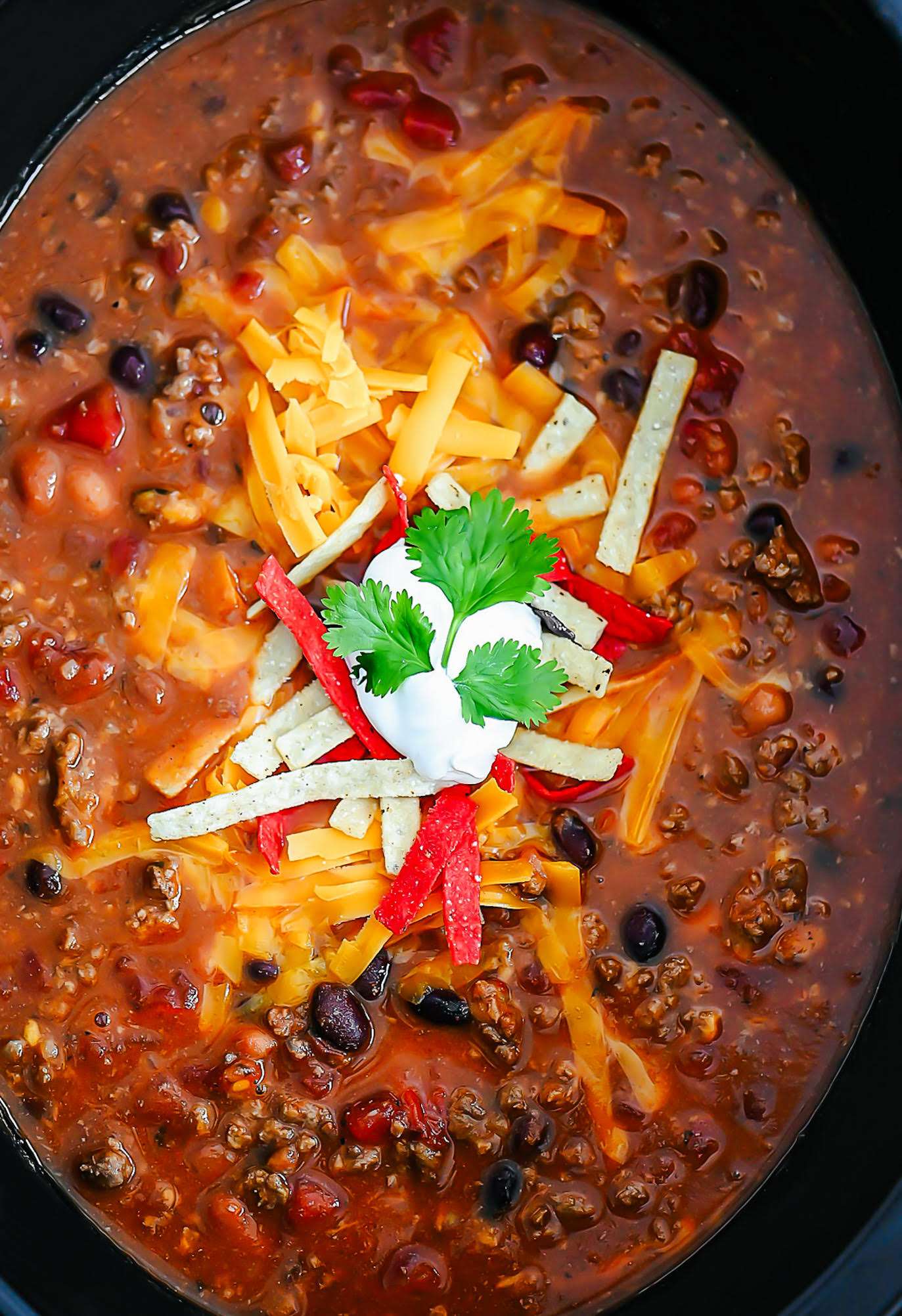
Crock Pot Taco Soup is a hearty combination of browned ground beef, multiple beans, corn, diced tomatoes, green enchilada sauce, taco seasoning, tomato paste, and broth cooked slowly to develop rich, layered flavors. Thickened at the end with cornstarch, this warming, thick soup captures bold Mexican-inspired tastes in a convenient slow cooker meal. It can be served with various toppings for added texture and flavor.
Prep Time
15 mins
Cook Time
3 hrs
Servings:
8
Course:
Soup, Lunch, Dinner, Others
Cuisine:
American
Ingredients
- 1 pound ground beef lean
- 1 can (15 ounces) black beans drained and rinsed
- 1 can (15 ounces) pinto beans drained and rinsed
- 1 can (14.5 ounces) diced tomatoes drained, petite
- 1 can (15.25 ounces) sweet corn drained
- 1 can (10 ounces) Green enchilada sauce
- 2 cans (14 ounces, each) beef broth or chicken broth
- 1 packet (1 ounce) taco seasoning
- 1 can (6 ounces) tomato paste
- 2 Tablespoons cornstarch + 2 tablespoons water
Instructions
- Brown and crumble ground beef in a large skillet until thoroughly cooked. Drain grease. Add beef to a large greased crock pot. (I use a 7 quart size crock pot.)
- Add beans, tomatoes, corn, enchilada sauce, chicken broth, taco seasoning and tomato paste to crock pot. Stir to combine. Cover with lid and cook on low heat 3 to 6 hours.
- Mix together the cornstarch and water to create a slurry. Add to the soup in crock pot and stir. Cover with lid again and let heat for another 30 minutes. (Soup should be thickened at this point.)
- Serve soup warm with shredded cheese, tortilla strips, sour cream, etc. Enjoy!
Cup of Yum
Notes
- To freeze, cool the soup and place in large freezer bags; it stays good for up to 3 months.
- Reheat frozen soup in the crock pot on low for 3 to 4 hours until fully warmed through.
- Alternatively, reheat frozen soup on the stove over medium heat until completely heated.