5 from 840 votes
How to Cook Spaghetti Squash
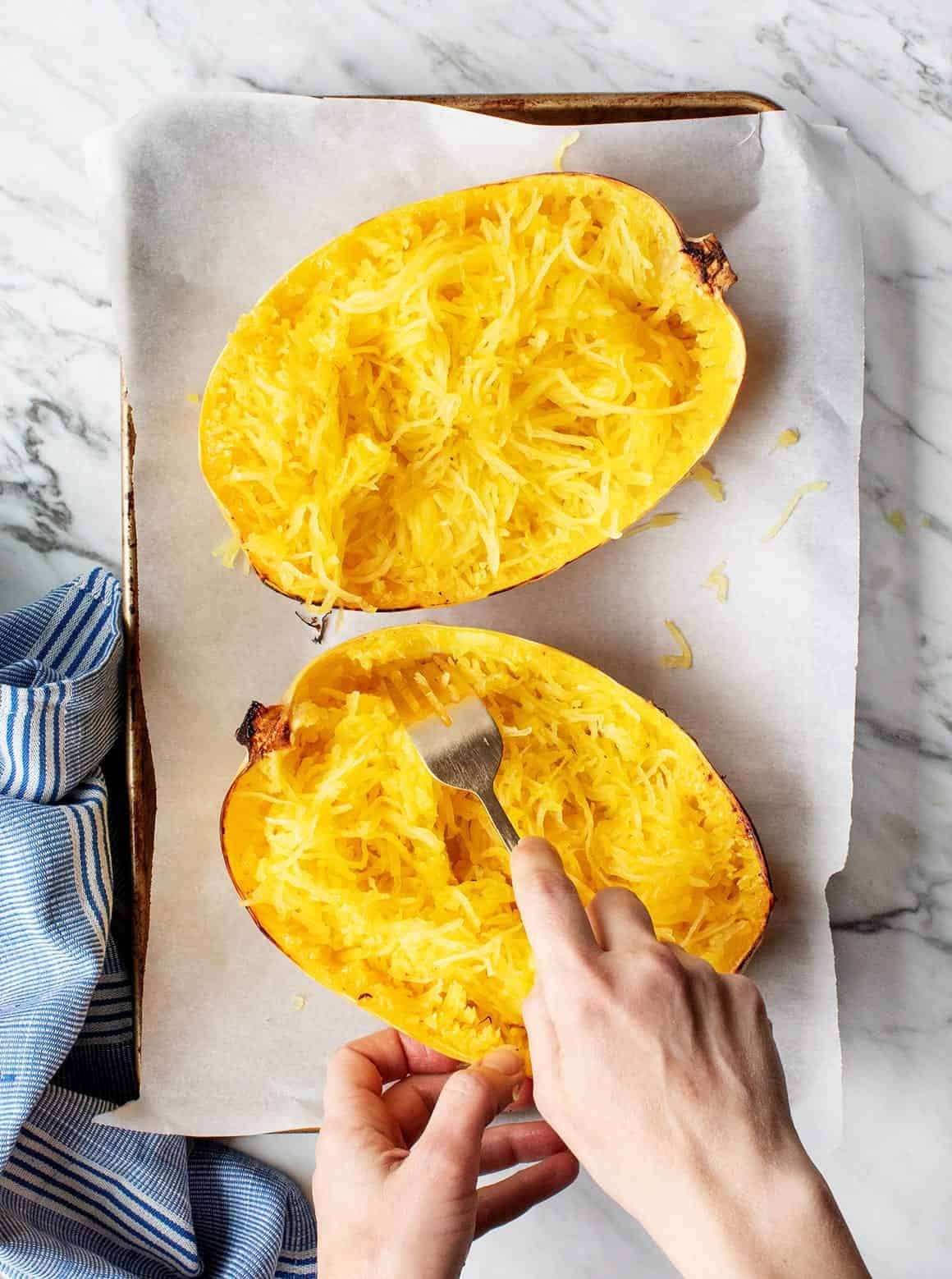
Cooking spaghetti squash by roasting it brings out its natural flavors and produces tender strands that resemble spaghetti. The squash is halved, seeded, and seasoned with olive oil, salt, and pepper before roasting cut-side down. Baking at a high temperature until the skin is lightly browned and the flesh is fork tender but still firm yields a pleasant texture. Once cooled, the flesh separates into spaghetti-like strands that can be fluffed for serving.
Prep Time
5 mins
Cook Time
35 mins
Total Time
40 mins
Servings:
2
to 4
Course:
Side Dish
Cuisine:
Vegetarian, Vegan, gluten-free
Ingredients
- 1 spaghetti squash
- extra-virgin olive oil
- salt sea salt; freshly ground black pepper
- black pepper sea salt; freshly ground black pepper
Instructions
- Preheat the oven to 400°F.
- Slice the spaghetti squash in half lengthwise and scoop out the seeds and ribbing. Drizzle the inside of the squash with olive oil and sprinkle with salt and pepper.
- Place the spaghetti squash cut side down on the baking sheet and use a fork to poke holes. Roast for 30 to 40 minutes or until lightly browned on the outside, fork tender, but still a little bit firm. The time will vary depending on the size of your squash. I also find that the timing can vary from squash to squash.
- Remove from the oven and flip the squash so that it’s cut side up. When cool to the touch, use a fork to scrape and fluff the strands from the sides of the squash.
Cup of Yum