5 from 15 votes
How to Cut an Apple
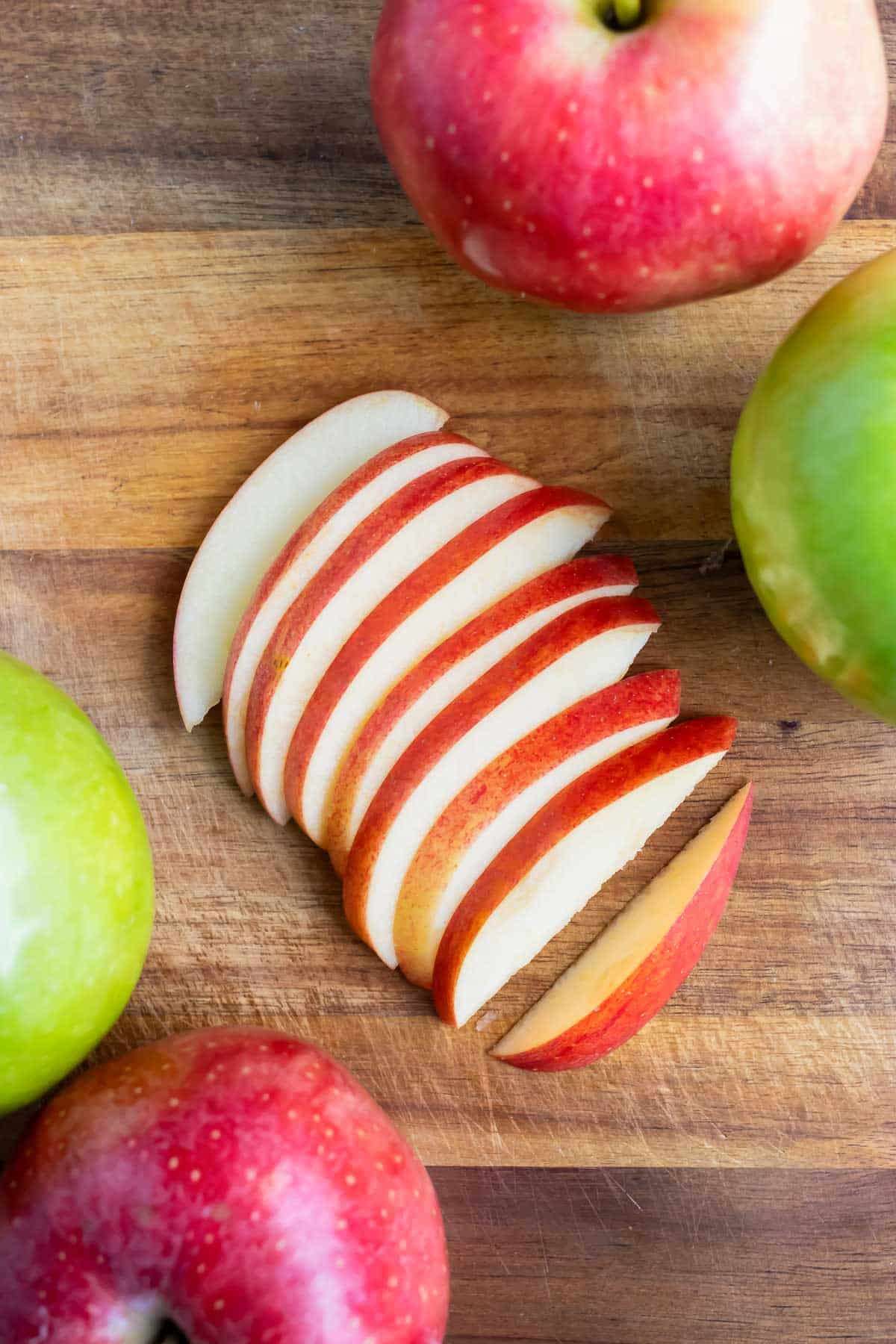
This guide explains how to cut an apple into slices by removing the core with careful quartering and then cutting each section into thinner pieces. The method keeps the slices uniform and optionally uses lemon juice to prevent browning if stored.
Prep Time
1 min
Total Time
1 min
Servings:
1
serving
Calories:
95 kcal
Course:
Dessert, Breakfast, Snacks
Cuisine:
American
Ingredients
- 1 apple skin on or peeled
- lemon juice optional
Instructions
- Thoroughly rinse and dry the apple before cutting. If peeled apples are needed, peel using a vegetable peeler before slicing.
- Place the apple on a cutting board with the stem facing up. Using a sharp knife, make a cut ½-inch to the right or left of the stem and cut all of the way down. Pay close attention to avoid the core. Turn the apple 90 degrees and make a similar cut all of the way through the apple. Repeat this process until you have four pieces of apple and a separate piece of core.
- Place the apple pieces cut side-down on the cutting board and slice into ¼-½ inch pieces.
- Serve apple slices immediately or toss in 1 teaspoon of lemon juice if storing for later.
Cup of Yum
Notes
- Toss cut apple slices with lemon juice to prevent browning for up to 2–3 days refrigerated.
- Submerging apple wedges in water is an alternative to reduce browning.
Nutrition Information
Calories
95kcal
(5%)
Carbohydrates
25g
(8%)
Protein
1g
(2%)
Fat
1g
(2%)
Saturated Fat
1g
(5%)
Sodium
2mg
(0%)
Potassium
195mg
(4%)
Fiber
4g
(16%)
Sugar
19g
(38%)
Vitamin A
98IU
(2%)
Vitamin C
8mg
(9%)
Calcium
11mg
(1%)
Iron
1mg
(6%)
Nutrition Facts
Serving: 1 serving
Amount Per Serving
Calories 95
% Daily Value*
| Calories | 95kcal | 5% |
| Carbohydrates | 25g | 8% |
| Protein | 1g | 2% |
| Fat | 1g | 2% |
| Saturated Fat | 1g | 5% |
| Sodium | 2mg | 0% |
| Potassium | 195mg | 4% |
| Fiber | 4g | 16% |
| Sugar | 19g | 38% |
| Vitamin A | 98IU | 2% |
| Vitamin C | 8mg | 9% |
| Calcium | 11mg | 1% |
| Iron | 1mg | 6% |
* Percent Daily Values are based on a 2,000 calorie diet.