0 from 0 votes
How to Roast Garlic
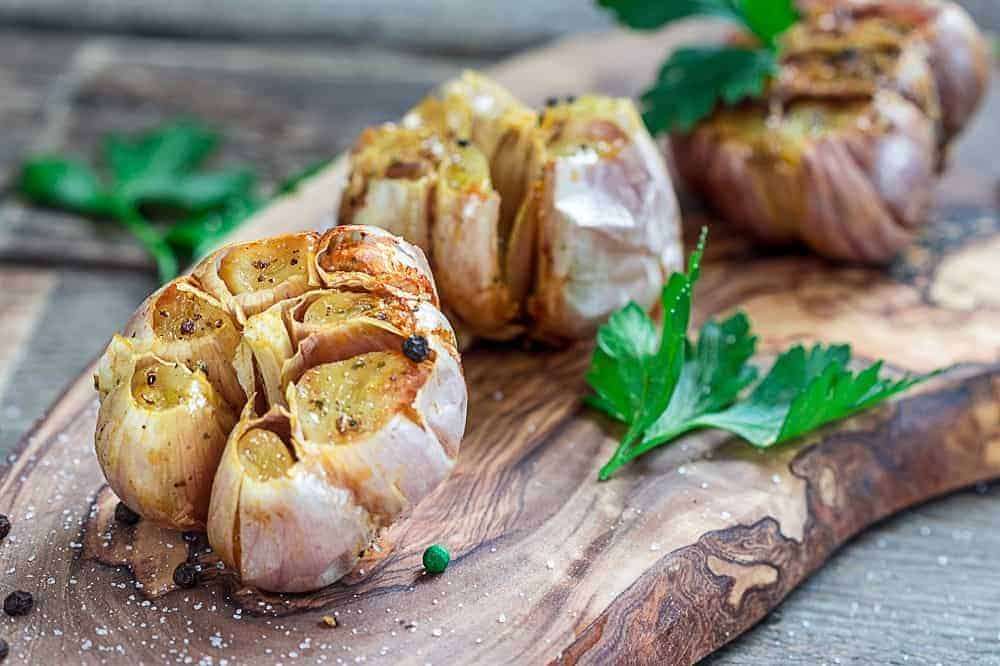
How to roast garlic to use in recipes, a simple step-by-step method that works every time!
Prep Time
2 mins
Cook Time
40 mins
Servings:
1
Course:
Condiments
Cuisine:
American
Ingredients
- 1 garlic head
Instructions
- Take a full head of garlic and remove any of the loose, flaky outer layers of the head. Make sure not to remove too much of the garlic’s skin, as this is important for the cooking process. You want to end up with the head still intact with the cloves undisturbed, but all the extra paper scraps to be discarded
- Place your garlic head in the center of a piece of foil and drizzle with oil and salt. Olive oil is traditional, but any flavorful oil will work here. You then seal the foil so that the garlic is completely covered, ready for the oven.
- Allow your foil-wrapped garlic to cook in a 200F oven until golden brown all along the exterior. Cooking times vary, though, so make sure to check after 30 minutes, although it can take up to 40 minutes for the garlic to be fully roasted.
- Once cooked, remove garlic from the oven and allow to cool completely. If you try to remove the garlic from the head before it cools, you will likely either burn yourself or end up with roasted garlic paste oozing everywhere.
- After 20 to 30 minutes, you should be able to squeeze the garlic out with ease. To do this, simply pinch the individual garlic cloves from the tip of the root end, squeezing upwards like a tube of toothpaste. This is then ready to either use within a meal or enjoy on its own.
Cup of Yum