4.5 from 6 votes
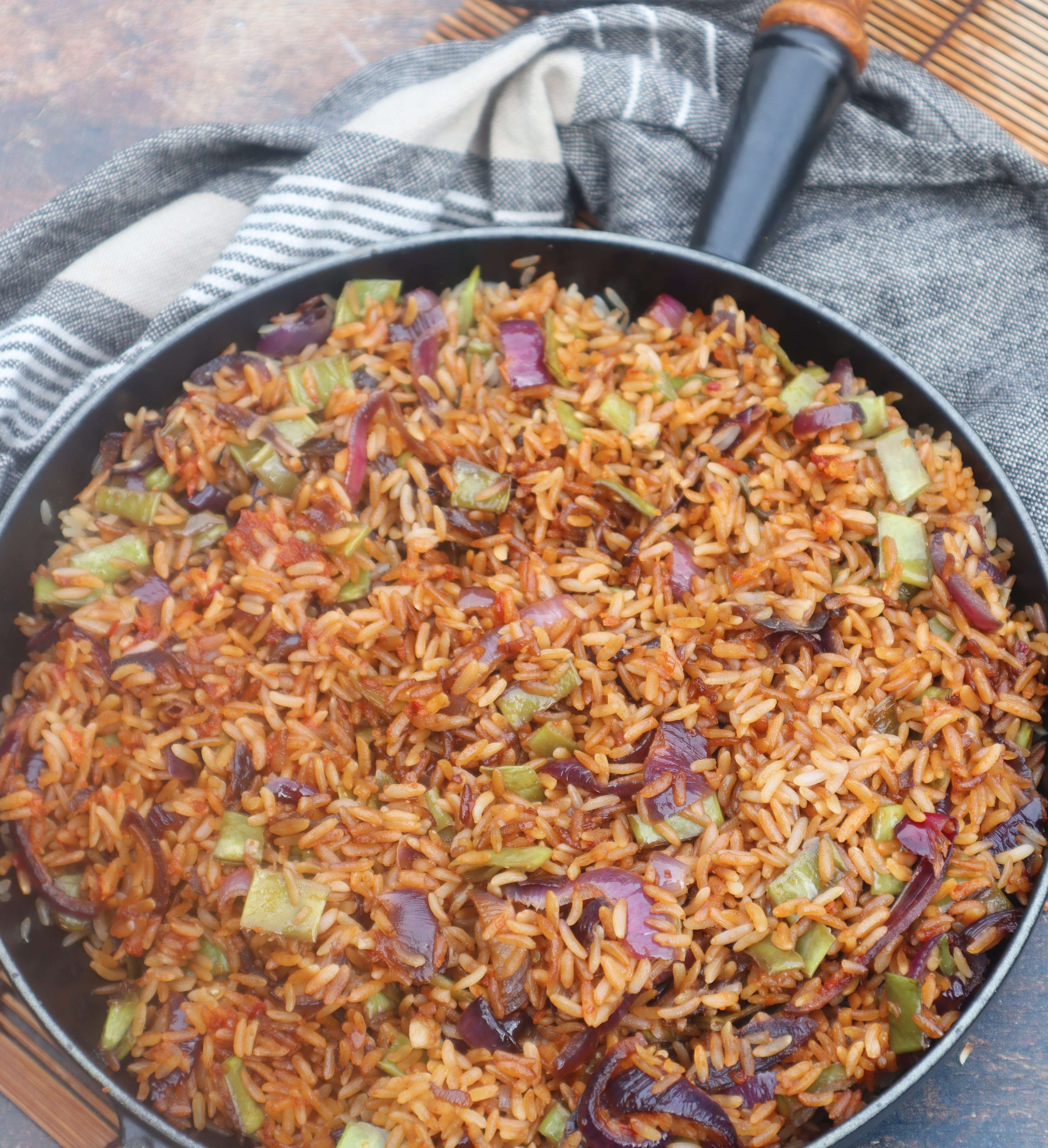
Medical Medium, soyfree and gluten free Indonesian fried rice (nasi goreng)
Nasi goreng: Medical Medium style. This beloved Indonesian fried rice is a dish rich in flavor and history. Traditionally made with a base of pre-cooked, leftover rice, onion, garlic, and a unique sweet salty sauce called kecap manis. This version keeps all the authentic flavor but is crafted to be soyfree and glutenfree.
Cook Time
25 mins
Total Time
25 mins
Servings:
4
servings
Calories:
495 kcal
Course:
Dinner
Cuisine:
Asian, Indonesian
Ingredients
- 8 cups rice cooked
- 4 cups french beans or regular green beans, flat green
- 2 large red onions
- 6 cloves garlic
- 4 tablespoons kecap manis homemade, gluten-free and soy-free
- or 2 or 2 tablespoons coconut aminos
- + 2 + 2 tablespoons coconut flower sugar
- 2 tablespoons sambal badjak homemade, gluten free & soy free
- 4 tablespoons coconut oil
Instructions
- Wash and cut the beans in small pieces.
- Warm up the pan or wok and add oil. Bake the beans fort about 5 minutes.
- Dice the onions and add. Bake with the beans until translucent.
- Press the garlic and add.
- Add the sambal badjak and fry briefly with the onions.
- Add in de rice and stir.
- Add in the kecap manis (or coconut aminos and sugar).
Cup of Yum
Nutrition Information
Calories
495kcal
(25%)
Nutrition Facts
Serving: 4 servings
Amount Per Serving
Calories 495
% Daily Value*
| Calories | 495kcal | 25% |
* Percent Daily Values are based on a 2,000 calorie diet.