5 from 9 votes
Reheat Chicken Tenders In Air Fryer
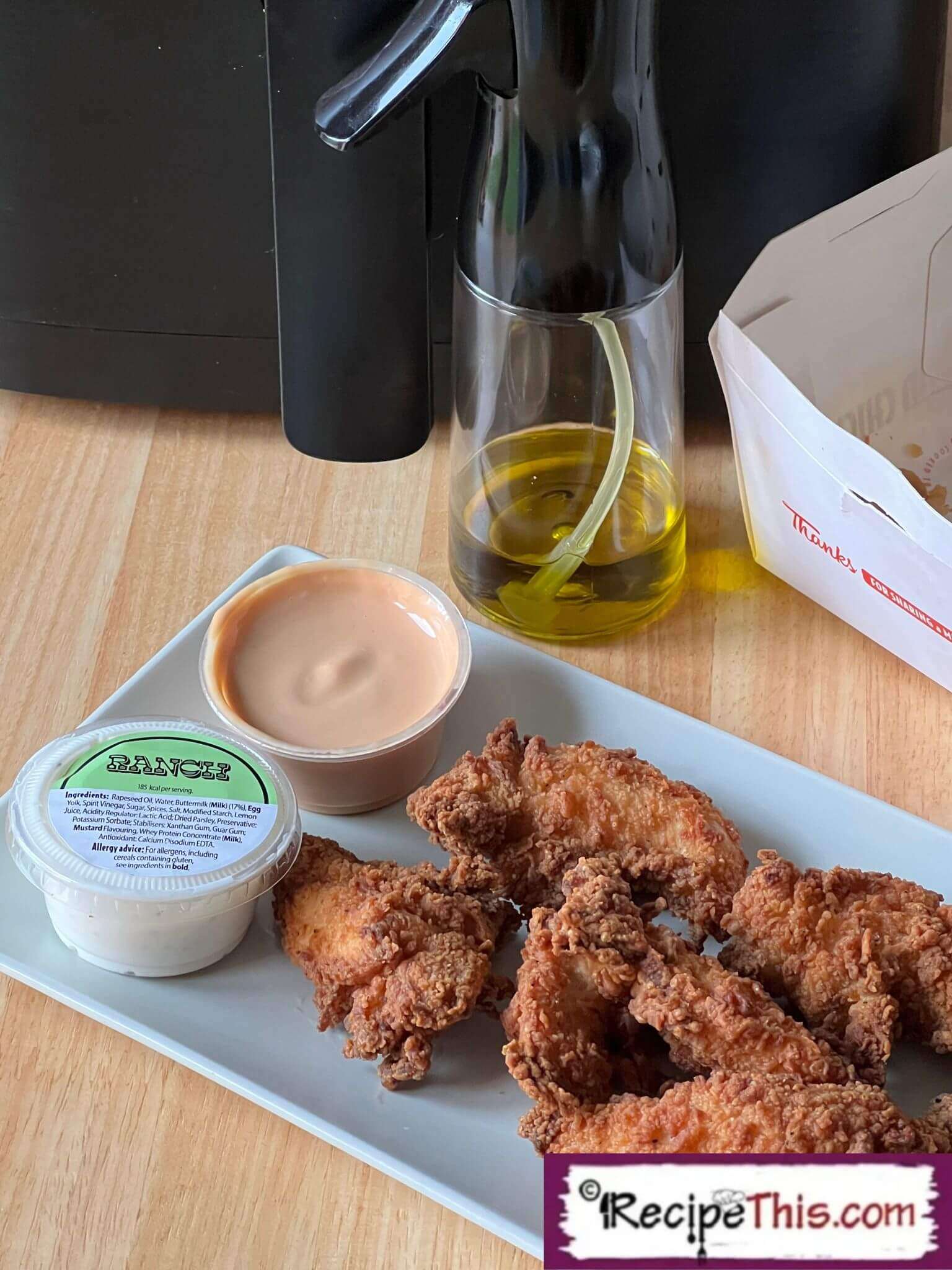
How to reheat chicken tenders in air fryer. Last night we went out to Slim Chicken and brought some leftover chicken tenders home with us, and today we are showing how crispy they go when reheated in the air fryer.
Cook Time
4 mins
Total Time
4 mins
Servings:
2
Calories:
239 kcal
Course:
Side Dish, Main Course
Cuisine:
International
Ingredients
- 200 g chicken tender leftover
- olive oil extra virgin, spray
Kitchen Gadgets
- Air Fryer
Instructions
- To warm up chicken tenders in air fryer place leftover chicken strips on a single layer in the air fryer basket.
- Then spray the tops of chicken with olive oil spray.
- Reheat the chicken tenders in the air fryer at 200c/400f for 4 minutes and then do an internal temperature to make sure they have reached above 70c/160f.
- Then serve the warmed up chicken tenders with your favourite dips.
Cup of Yum
Notes
- Spray. We recommend that you use extra virgin olive oil spray on top of your breaded chicken for extra crisp. Avoid Frylight and Pam Spray as it damages the air fryer.
- Thanks for reading all about reheating chicken tenders in air fryer on Recipe This. We have many more air fryer recipes for you to check out next. Though if you love comfort food in the air fryer, do try our air fryer cheesy chips.
Nutrition Information
Serving
100g
Calories
239kcal
(12%)
Nutrition Facts
Serving: 2 Serving
Amount Per Serving
Calories 239
% Daily Value*
| Serving | 100g | |
| Calories | 239kcal | 12% |
* Percent Daily Values are based on a 2,000 calorie diet.