0 from 0 votes
Reheat Pizza In Ninja Foodi
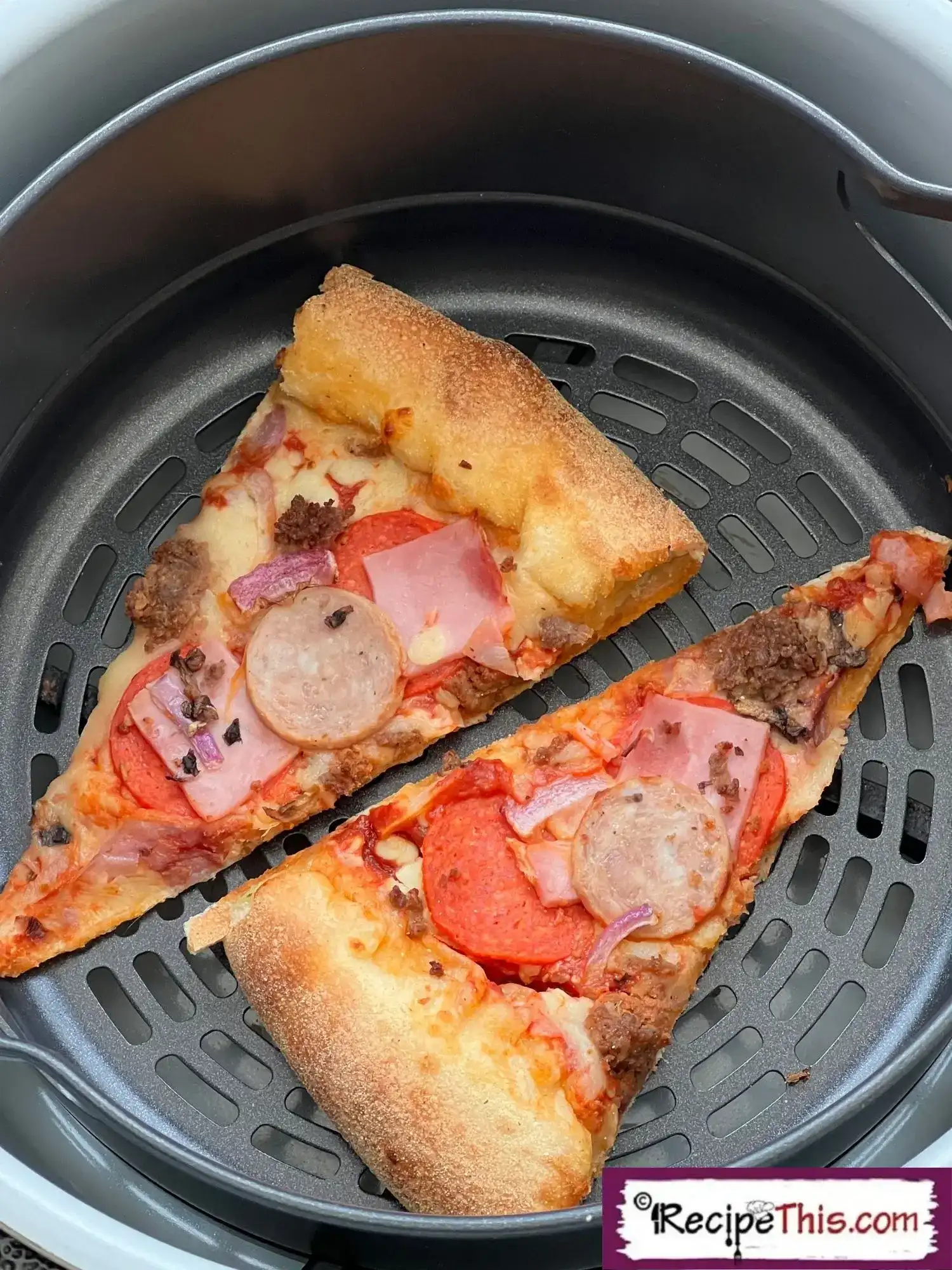
Do you have some leftover pizza that needs reheating? Then you must reheat pizza in Ninja Foodi.
Cook Time
2 mins
Total Time
2 mins
Servings:
2
Calories:
5 kcal
Course:
Side Dish, Main Course, Snacks
Cuisine:
International
Ingredients
- 4 lices pizza leftover
Kitchen Gadgets
- Ninja Foodi
Instructions
- Place up to two slices of leftover pizza into your Ninja Air Fryer basket and then place the basket into the Ninja Foodi main cooking pot. Place the lid down on the Ninja Foodi.
- Set the temperature to 160c/320f and the time to 2 minutes on either air crisp or bake.
- When the Ninja beeps serve your pizza with your favourite pizza sauces.
- If you have lots of pizza, reheat the pizza in batches of two at a time and you can also do your leftover pizza sides.
Cup of Yum
Notes
- Quantities. We used a mix of different pizza leftovers. When reheating pizza in ninja air fryer, if you have more than two slices to reheat do it in batches.
- Thanks for reading Ninja Air Fryer reheat pizza on Recipe This. We have many more Ninja Foodi recipes for you to check out next. Though if you love pizza do try our air fryer deep pan pizza.
Nutrition Information
Calories
5kcal
(0%)
Carbohydrates
1g
(0%)
Protein
0.2g
(0%)
Fat
0.2g
(0%)
Saturated Fat
0.1g
(1%)
Polyunsaturated Fat
0.04g
(0%)
Monounsaturated Fat
0.1g
(1%)
Cholesterol
0.3mg
(0%)
Sodium
9mg
(0%)
Potassium
3mg
(0%)
Fiber
0.04g
(0%)
Sugar
0.1g
(0%)
Vitamin A
7IU
(0%)
Vitamin C
0.03mg
(0%)
Calcium
4mg
(0%)
Iron
0.04mg
(0%)
Nutrition Facts
Serving: 2 Serving
Amount Per Serving
Calories 5
% Daily Value*
| Calories | 5kcal | 0% |
| Carbohydrates | 1g | 0% |
| Protein | 0.2g | 0% |
| Fat | 0.2g | 0% |
| Saturated Fat | 0.1g | 1% |
| Polyunsaturated Fat | 0.04g | 0% |
| Monounsaturated Fat | 0.1g | 1% |
| Cholesterol | 0.3mg | 0% |
| Sodium | 9mg | 0% |
| Potassium | 3mg | 0% |
| Fiber | 0.04g | 0% |
| Sugar | 0.1g | 0% |
| Vitamin A | 7IU | 0% |
| Vitamin C | 0.03mg | 0% |
| Calcium | 4mg | 0% |
| Iron | 0.04mg | 0% |
* Percent Daily Values are based on a 2,000 calorie diet.