0 from 0 votes
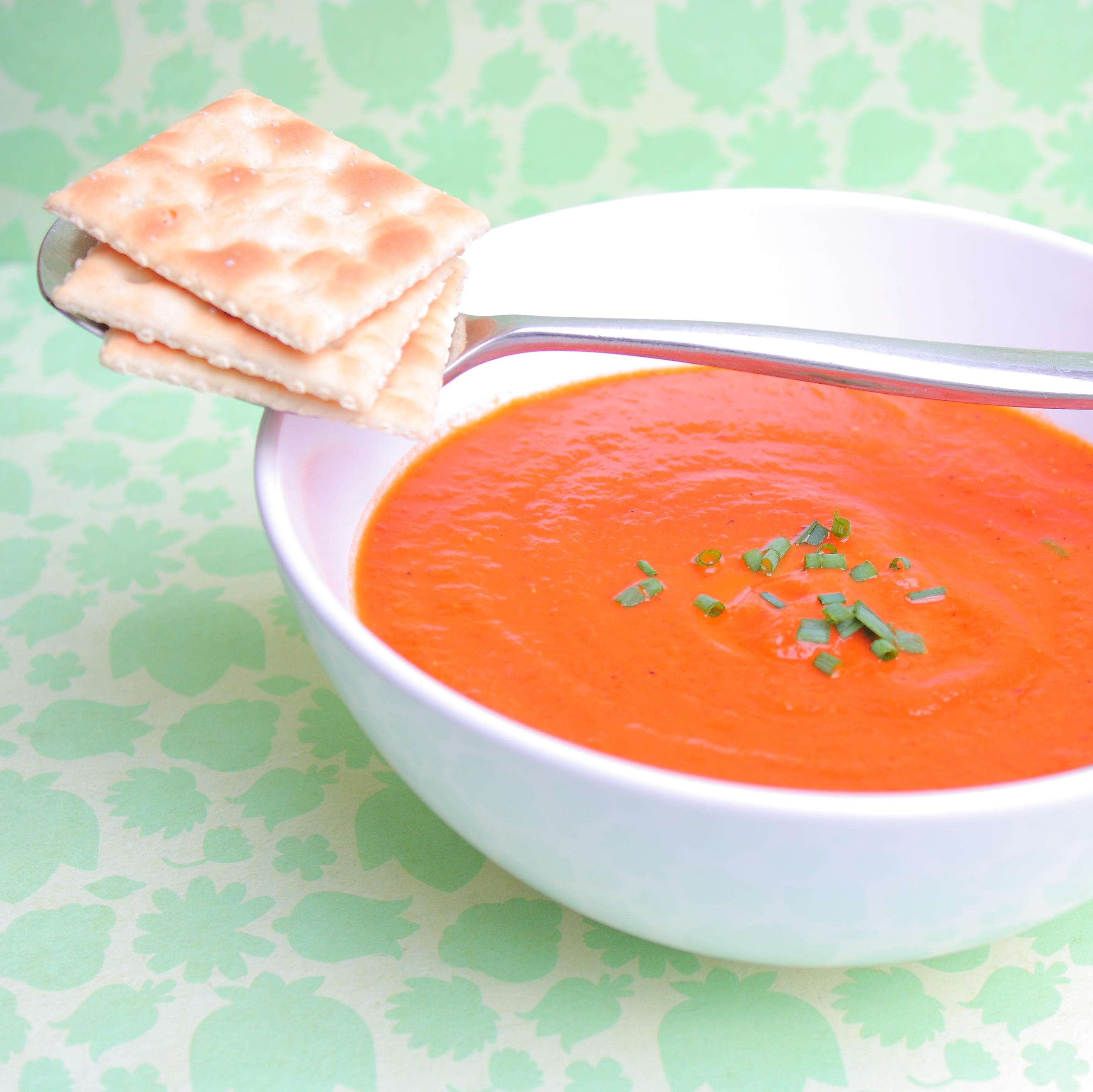
Tomato Soup
Whether you're entertaining or relaxing, this recipe hits the spot.
Calories:
495 kcal
Course:
Soup, Lunch, Dinner
Cuisine:
Vegan, gluten-free
Ingredients
- 1 onion diced, large
- 1 tbsp olive oil
- 6 cloves garlic minced
- 2 tsp oregano dried
- 1 tbsp basil dried
- 1/2 tsp salt
- 1 tsp black pepper
- 1 1/2 cups vegetable broth
- 28 tomato canned, fl. oz can
- 1 tbsp tomato paste
- 1/3 cup soy milk or coconut milk
- 1/2 tsp baking soda
- chives optional, for garnish
Instructions
- Saute diced onion in olive oil over medium heat until transparent. Add garlic and saute until fragrant.
- Add oregano, salt, pepper, and basil and stir until everything is absorbed into the oil.
- Add vegetable broth and stir in diced tomatoes with juice and tomato paste.
- Simmer until the tomato pieces start to fall apart. Blend with an immersion blender until smooth and velvety.
- Stir in baking soda and let the foaming subside. If you find it still tastes too acid-y for you add some soy milk or coconut milk, and garnish with some chives. Basil works too, I just like chives.
Cup of Yum
Nutrition Information
Serving
1g
Calories
495kcal
(25%)
Carbohydrates
54g
(18%)
Protein
11g
(22%)
Fat
31g
(48%)
Saturated Fat
16g
(80%)
Sodium
2979mg
(124%)
Sugar
30g
(60%)
Nutrition Facts
Serving: 1 Serving
Amount Per Serving
Calories 495
% Daily Value*
| Serving | 1g | |
| Calories | 495kcal | 25% |
| Carbohydrates | 54g | 18% |
| Protein | 11g | 22% |
| Fat | 31g | 48% |
| Saturated Fat | 16g | 80% |
| Sodium | 2979mg | 124% |
| Sugar | 30g | 60% |
* Percent Daily Values are based on a 2,000 calorie diet.